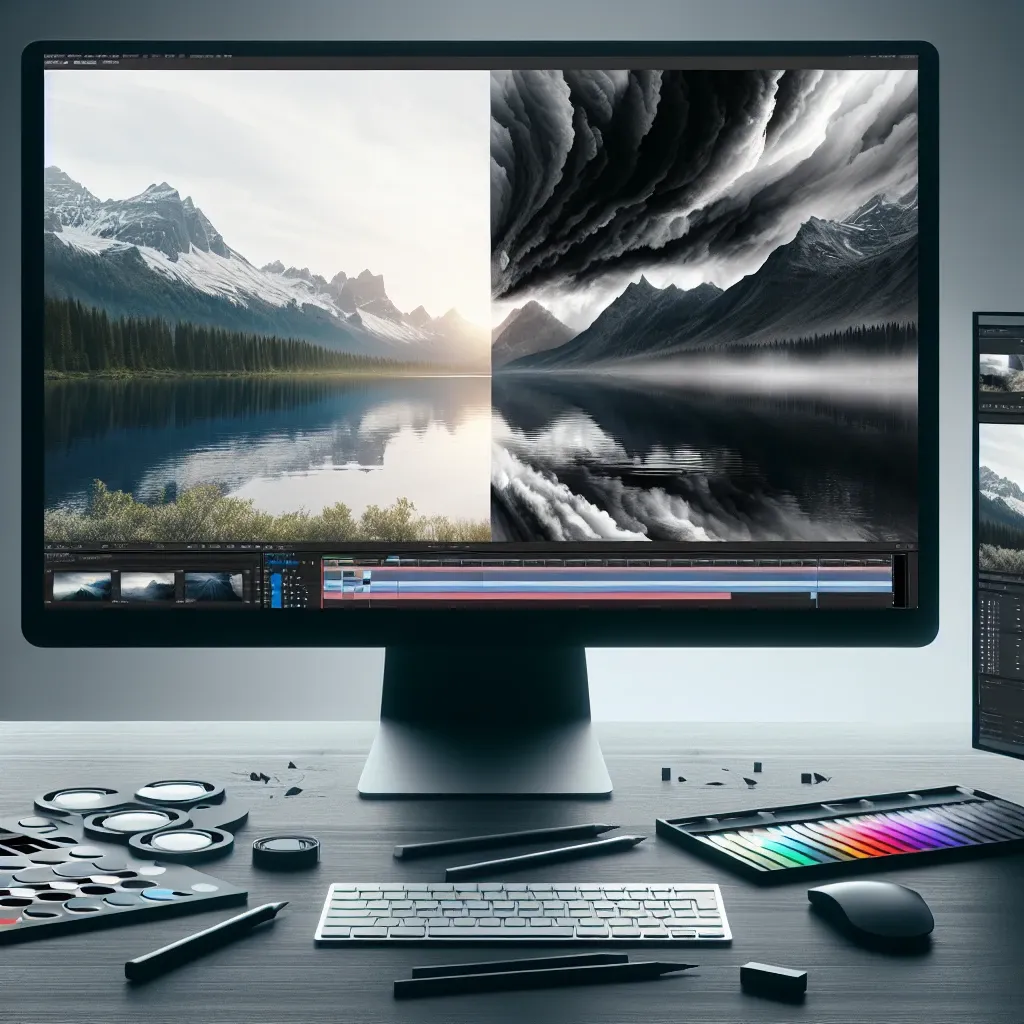
Understanding Cinematic Black Bars and Their Purpose
Cinematic black bars, also known as letterboxing, have become synonymous with professional filmmaking and high-quality video production. These horizontal black strips at the top and bottom of your frame serve multiple purposes beyond mere aesthetics. They create a wider aspect ratio that mimics traditional cinema formats, instantly elevating the perceived quality of your content and immersing viewers in a more theatrical experience.
The psychological impact of black bars cannot be understated. When audiences see them, they subconsciously associate the content with premium entertainment, whether it’s a Hollywood blockbuster or an independent short film. This visual cue triggers expectations of higher production values and more engaging storytelling, making it a powerful tool in a filmmaker’s arsenal.
The Science Behind Aspect Ratios
Before diving into the technical implementation, it’s crucial to understand the mathematical foundation of aspect ratios. The most common cinematic aspect ratio is 2.35:1, also known as CinemaScope or anamorphic widescreen. This ratio means that for every 2.35 units of width, there is 1 unit of height. Other popular ratios include 1.85:1 (flat widescreen) and 2.39:1 (ultra-widescreen).
Traditional television and most digital cameras capture footage in 16:9 (1.78:1) aspect ratio. To achieve a cinematic look, you’ll need to crop the top and bottom portions of your frame, effectively reducing the vertical resolution while maintaining the horizontal width. This process requires careful consideration of your original composition to ensure important visual elements remain within the new frame boundaries.
Choosing the Right Aspect Ratio for Your Project
The selection of aspect ratio should align with your creative vision and storytelling goals. A 2.35:1 ratio works exceptionally well for epic landscapes, action sequences, and dramatic wide shots that benefit from the expansive horizontal canvas. Conversely, a more modest 1.85:1 ratio might be preferable for intimate character studies or dialogue-heavy scenes where the focus should remain on faces and expressions.
Consider your distribution platform as well. While streaming services like Netflix and Amazon Prime readily support various aspect ratios, social media platforms may crop or letterbox your content differently, potentially affecting the viewing experience.
Professional Software Solutions for Adding Black Bars
Modern video editing software provides multiple approaches to implementing cinematic black bars, each with distinct advantages and workflows.
Adobe Premiere Pro Method
In Premiere Pro, the most efficient approach involves creating a new sequence with your desired aspect ratio. Navigate to File > New > Sequence, then select a custom preset. For a 2.35:1 ratio with 1920×1080 source footage, set your sequence to 1920×817 pixels. This method automatically generates the black bars while maintaining optimal image quality.
Alternatively, you can use the Crop effect on your footage within a standard 1920×1080 sequence. Apply the effect, then adjust the top and bottom values equally to achieve your desired ratio. This method offers more flexibility for fine-tuning but requires careful calculation to maintain proper proportions.
DaVinci Resolve Approach
DaVinci Resolve offers exceptional control over aspect ratios through its timeline settings. Create a new timeline with custom dimensions, or use the Transform panel in the Color page to adjust your footage. Resolve’s node-based color grading system allows for precise control over how the black bars interact with your color correction and visual effects.
Final Cut Pro Technique
Final Cut Pro users can utilize the Crop tool or create custom generator shapes to add black bars. The Blade tool combined with precise keyframe animation allows for dynamic aspect ratio changes within a single project, useful for flashback sequences or stylistic transitions.
Advanced Techniques and Creative Applications
Beyond basic implementation, sophisticated filmmakers employ various advanced techniques to maximize the impact of cinematic black bars.
Dynamic Aspect Ratio Changes
Some projects benefit from transitioning between different aspect ratios within the same sequence. This technique, popularized in films like “The Grand Budapest Hotel” and “Avengers: Infinity War,” can signify time periods, emotional states, or narrative perspectives. Implementing smooth transitions requires careful keyframe animation and consideration of how the changing frame affects your composition.
Graduated Black Bars
Instead of solid black rectangles, consider using subtle gradients that fade from black to transparent. This technique, while less traditional, can create a more organic integration between the bars and your footage, particularly effective in documentary or naturalistic content.
Colored Bars for Stylistic Effect
While black remains the standard, experimenting with colored bars can enhance specific moods or themes. Deep blue bars might complement a nighttime scene, while warm sepia tones could enhance period pieces. Exercise restraint with this technique, as it can quickly become distracting if overused.
Technical Considerations and Best Practices
Successful implementation of cinematic black bars requires attention to several technical factors that can significantly impact your final output quality.
Resolution and Export Settings
When working with black bars, maintain awareness of your final resolution. If your source footage is 1920×1080 and you’re creating a 2.35:1 aspect ratio, your effective resolution becomes 1920×817. This reduction in pixel count can affect image sharpness, particularly if you plan to project your content on large screens.
For maximum quality retention, consider starting with higher resolution source material. 4K footage (3840×2160) provides ample resolution for creating cinematic aspect ratios while maintaining excellent image quality in 1080p delivery formats.
Composition and Framing Adjustments
Adding black bars after filming requires careful attention to your original composition. Elements positioned near the top or bottom of your frame may be lost when cropping to cinematic ratios. During production, consider using frame guides or shooting with the intended aspect ratio in mind.
Many professional cameras offer built-in aspect ratio guides that display overlay lines showing various crop ratios. Utilizing these guides during filming ensures your composition remains effective after post-production cropping.
Common Mistakes and How to Avoid Them
Several pitfalls can diminish the effectiveness of cinematic black bars if not properly addressed during post-production.
Inconsistent Bar Heights
Maintaining precise mathematical consistency in bar heights throughout your project is crucial. Even slight variations can be jarring to viewers and appear unprofessional. Use sequence presets or templates to ensure consistency across all clips.
Inappropriate Aspect Ratio Selection
Not all content benefits from extreme wide ratios. Vertical subjects, close-up portraits, or content with significant vertical movement may lose impact when forced into ultra-wide formats. Consider whether the aspect ratio serves your story or merely follows current trends.
Ignoring Safe Areas
Different playback devices and platforms may handle aspect ratios differently. Always preview your content on various devices and consider how streaming platforms might further crop or letterbox your already-formatted content.
Platform-Specific Considerations
Different distribution platforms handle cinematic aspect ratios in unique ways, requiring tailored approaches for optimal presentation.
Streaming Services
Netflix, Amazon Prime, and other streaming platforms generally preserve aspect ratios as intended, displaying black bars when necessary. However, some smart TV interfaces may offer viewers options to stretch or crop content, potentially altering your intended presentation.
Social Media Platforms
Instagram, TikTok, and YouTube have specific aspect ratio preferences that may conflict with cinematic formatting. Consider creating platform-specific versions of your content, or design your composition to work effectively when cropped to square or vertical formats.
Theatrical Presentation
If your content will be screened in theaters, coordinate with projection technicians to ensure proper aspect ratio handling. Digital cinema packages (DCPs) require specific formatting to display correctly across different theater systems.
The Future of Cinematic Formatting
As display technology evolves, the approach to cinematic black bars continues to develop. Ultra-wide monitors, curved displays, and virtual reality platforms are changing how audiences consume visual content. Understanding these trends helps future-proof your content creation strategies.
Emerging technologies like variable aspect ratio displays may eventually eliminate the need for black bars entirely, allowing content to dynamically adjust to optimal viewing ratios. However, the aesthetic and psychological impact of cinematic formatting will likely persist, making these techniques valuable skills for content creators.
Conclusion and Professional Recommendations
Mastering the art of adding cinematic black bars in post-production requires balancing technical precision with creative vision. The most successful implementations serve the story while enhancing the overall viewing experience. Whether you’re creating independent films, commercial content, or social media videos, understanding these techniques provides powerful tools for elevating your production values.
Remember that cinematic black bars are just one element of professional video production. They work best when combined with thoughtful cinematography, careful color grading, and strong storytelling. Use them purposefully rather than automatically, always considering whether they genuinely enhance your content or merely follow current trends.
As you develop your skills in this area, experiment with different ratios, software techniques, and creative applications. The goal is not just to add black bars, but to create a cohesive visual experience that draws viewers deeper into your narrative world.
Leave a Reply